
Manually Loading the stdapi Plugin
Introduction
Viper introduced the ability to manually load the stdapi plugin in version 3.1.9. The overall stdapi plugin has been split into multiple sub-plugins, allowing users to load only the functionality they need and thereby reduce the memory footprint.
Steps
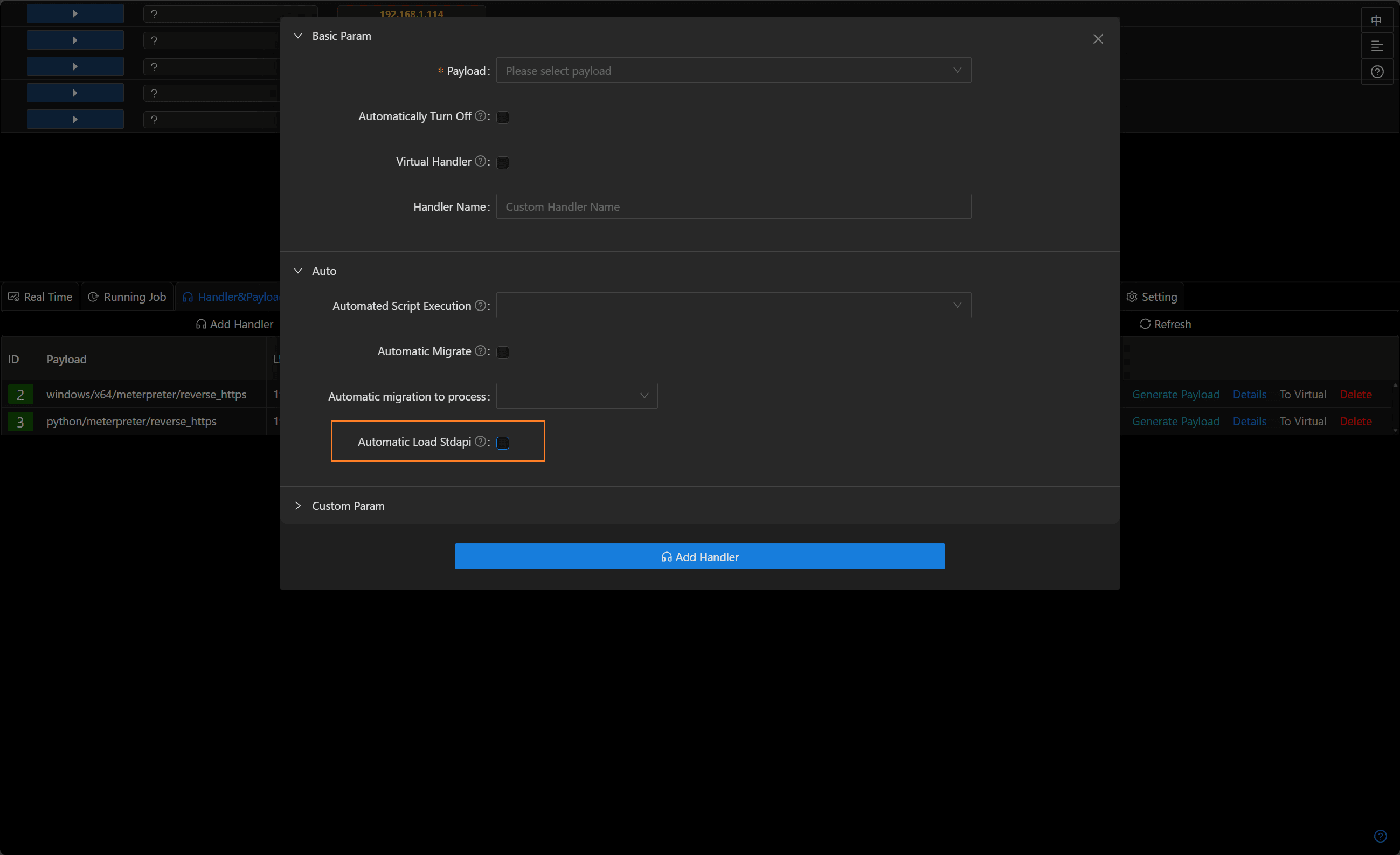
- When creating a listener, disable automatic loading of the stdapi plugin.
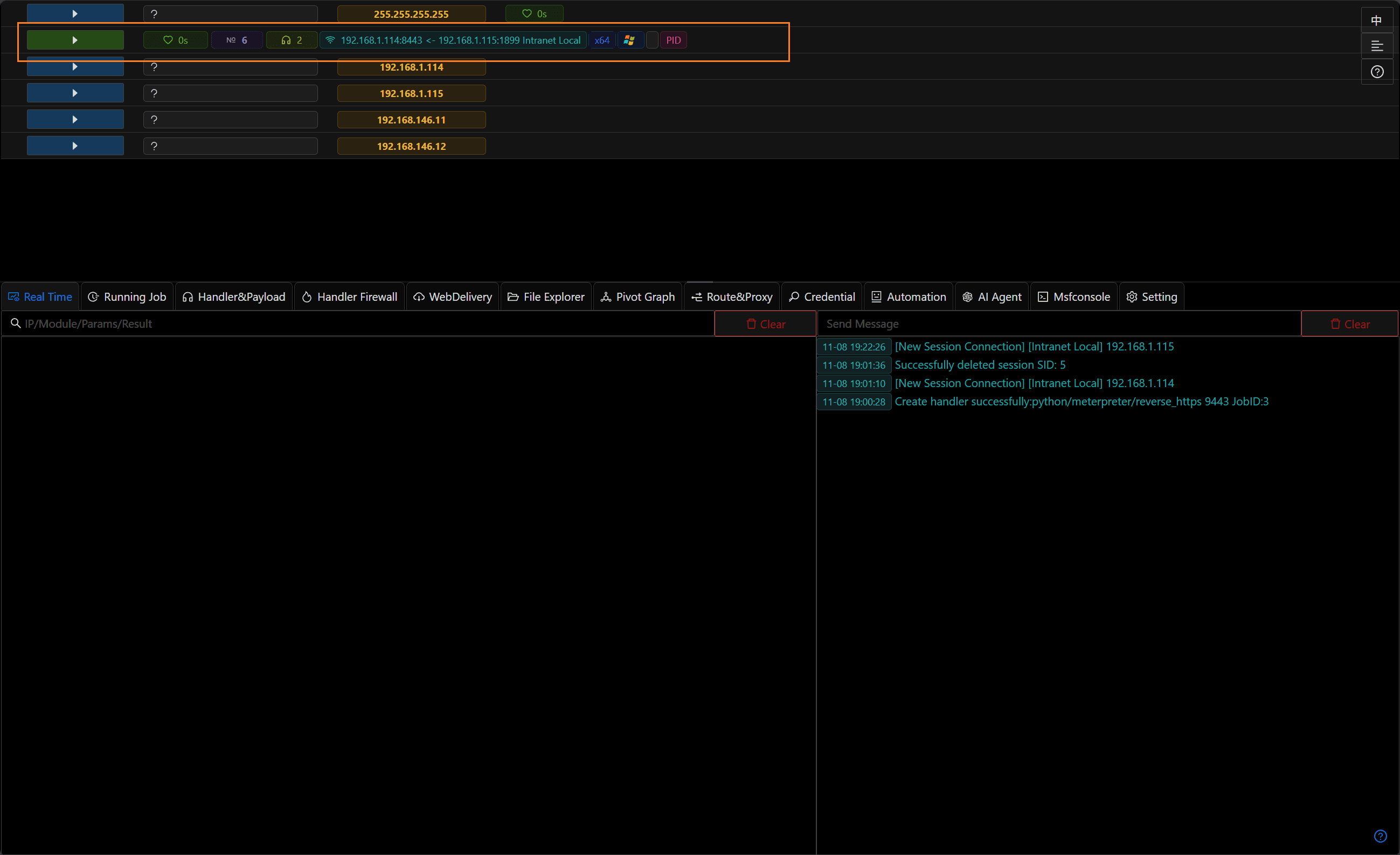
- Use that listener to generate a payload and get a session; the Meterpreter session will appear incomplete.
- Enter the Meterpreter console and use the
loadcommand to manually load the required stdapi sub-plugins (for example:load stdapi_sys,load stdapi_ls,load stdapi_net, etc.).

- After loading
stdapi_sys, run thesysinfocommand; Meterpreter will now display the correct system information.